Support
Response time: usually within two working days
Need help or found a bug? Write to contact@flynextleg.com. Please include your device model, the app version and, if it relates to a specific flight, its flight number and route.
What NextLeg does
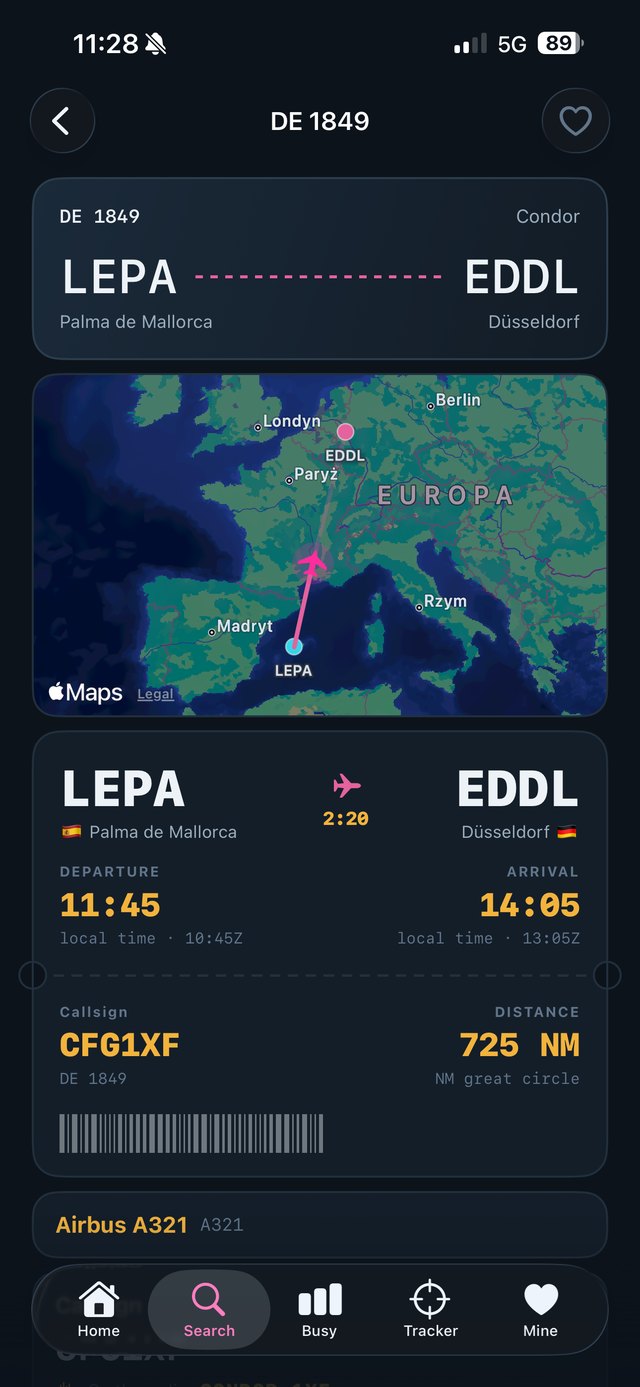
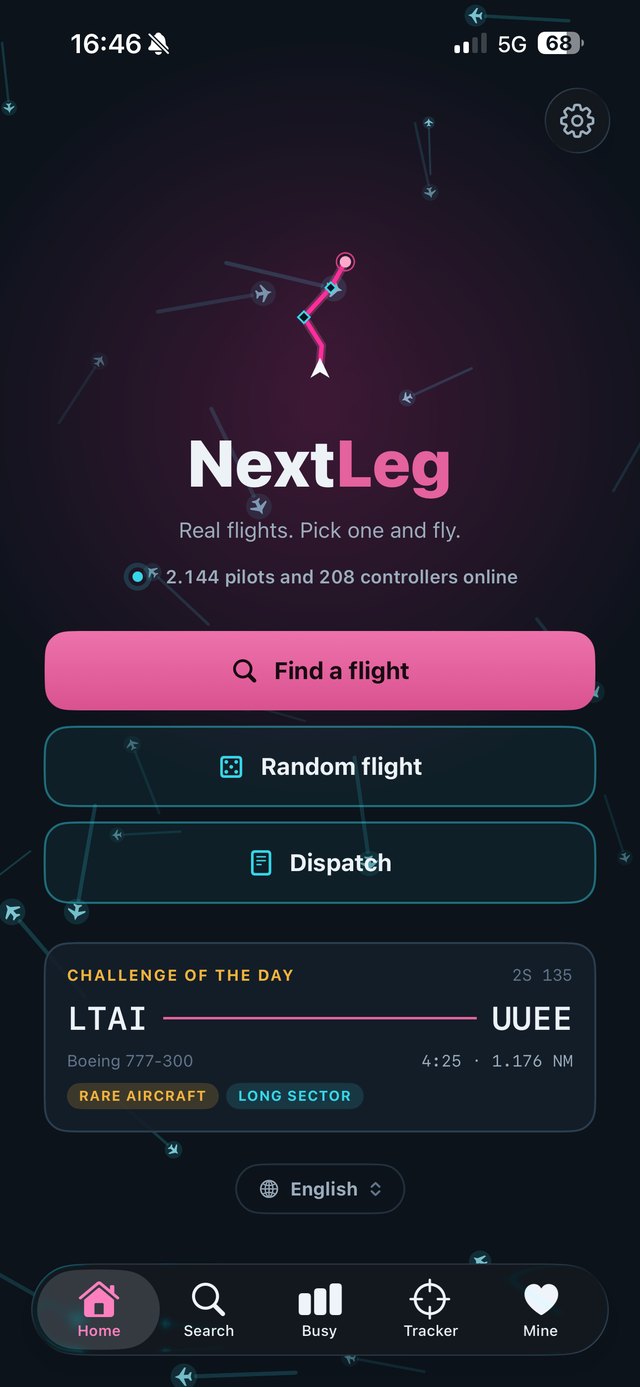
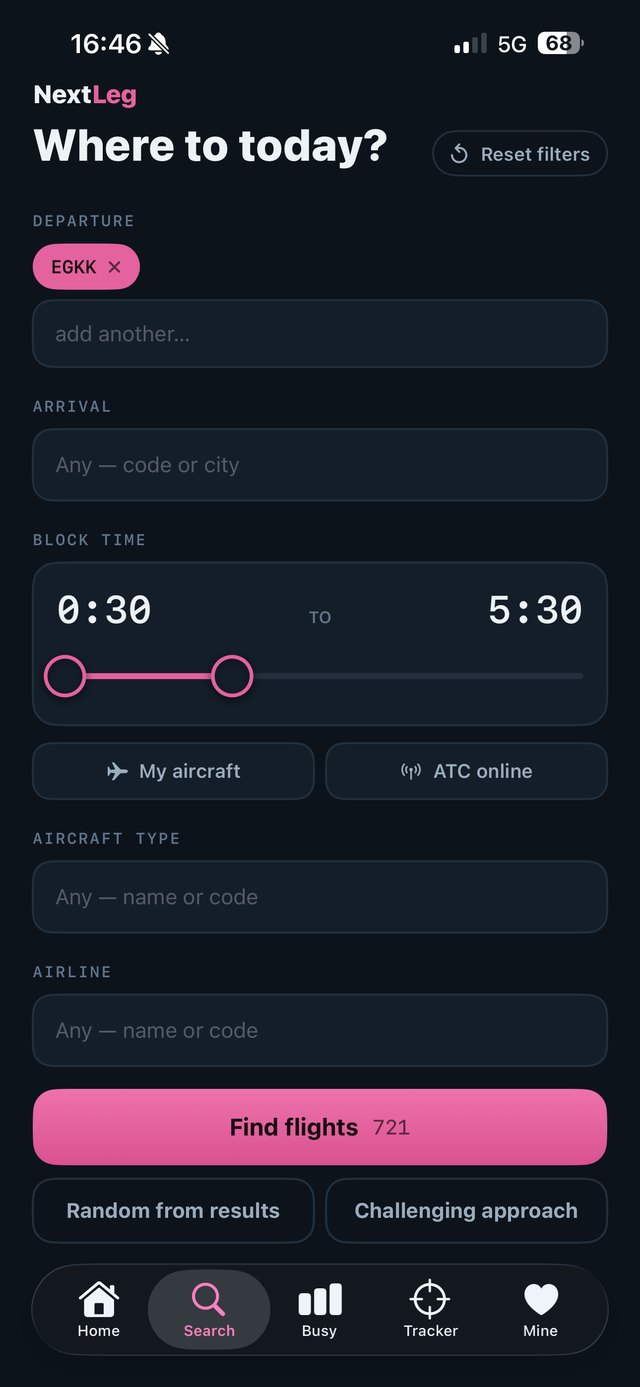
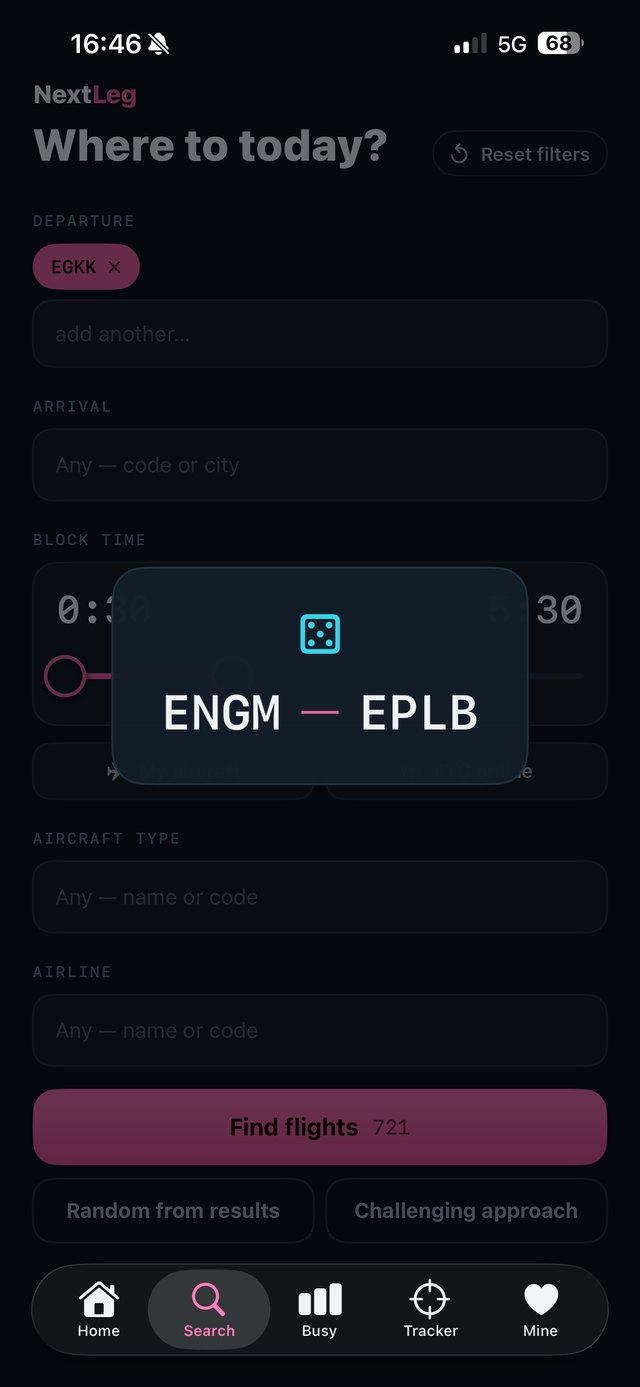
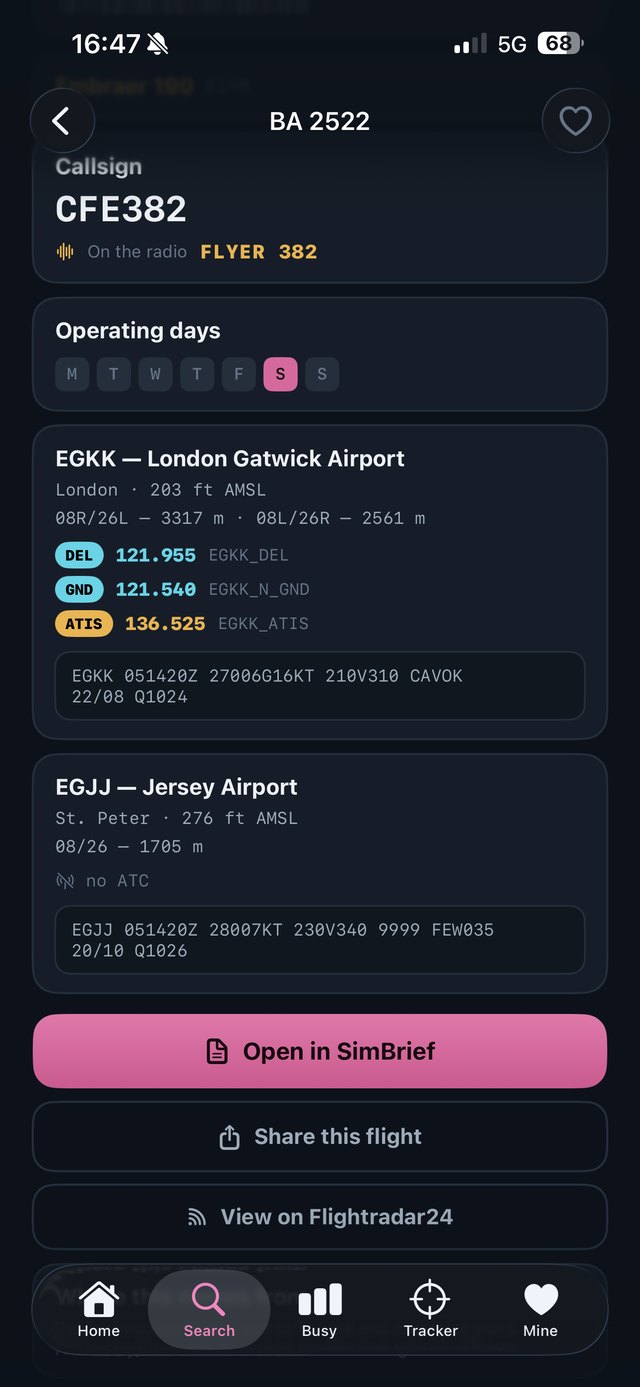
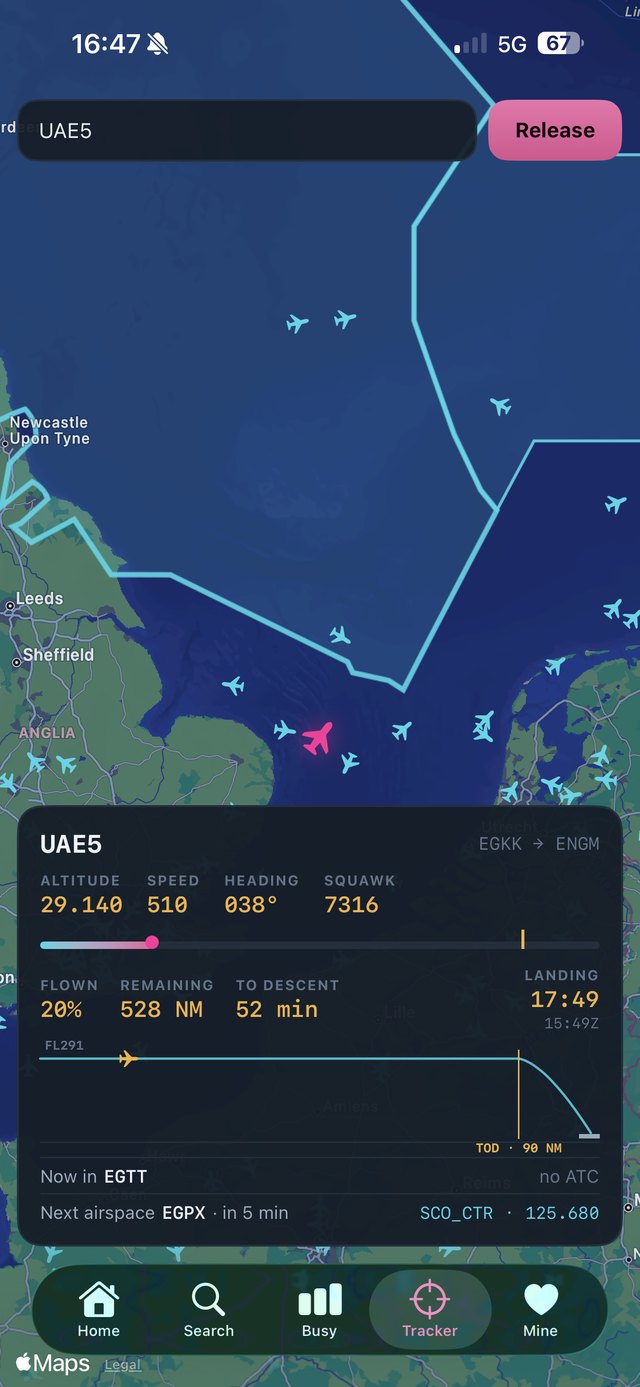
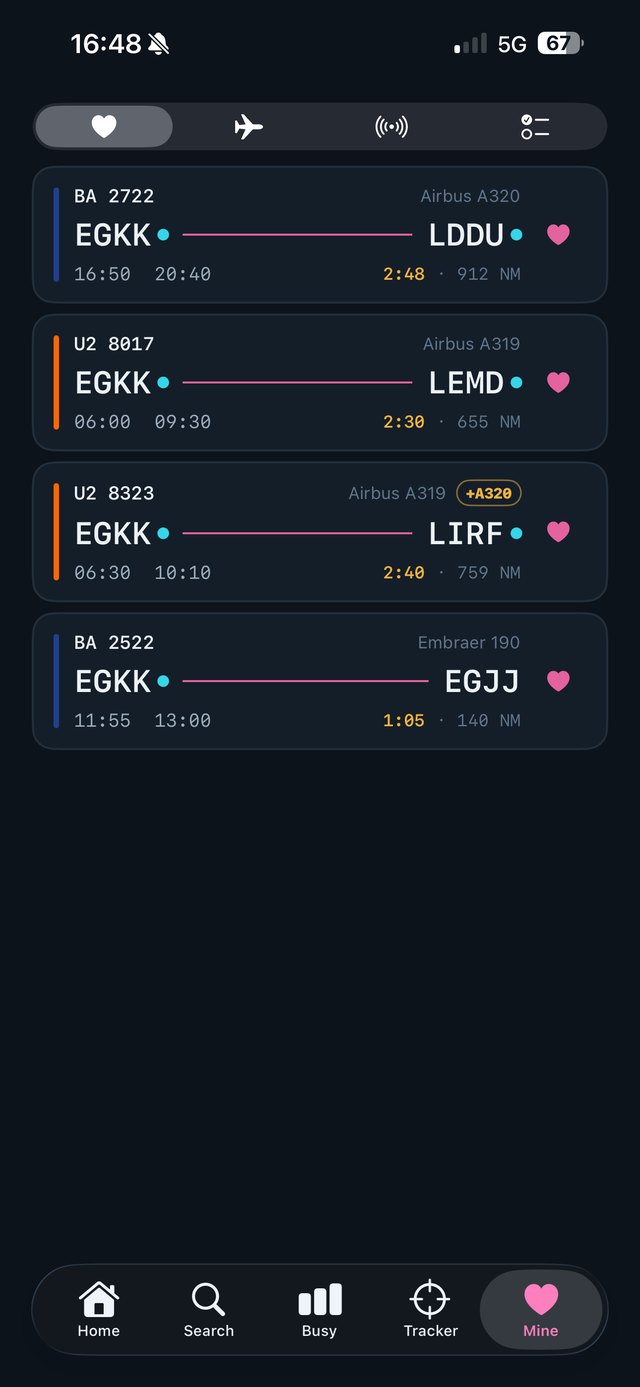
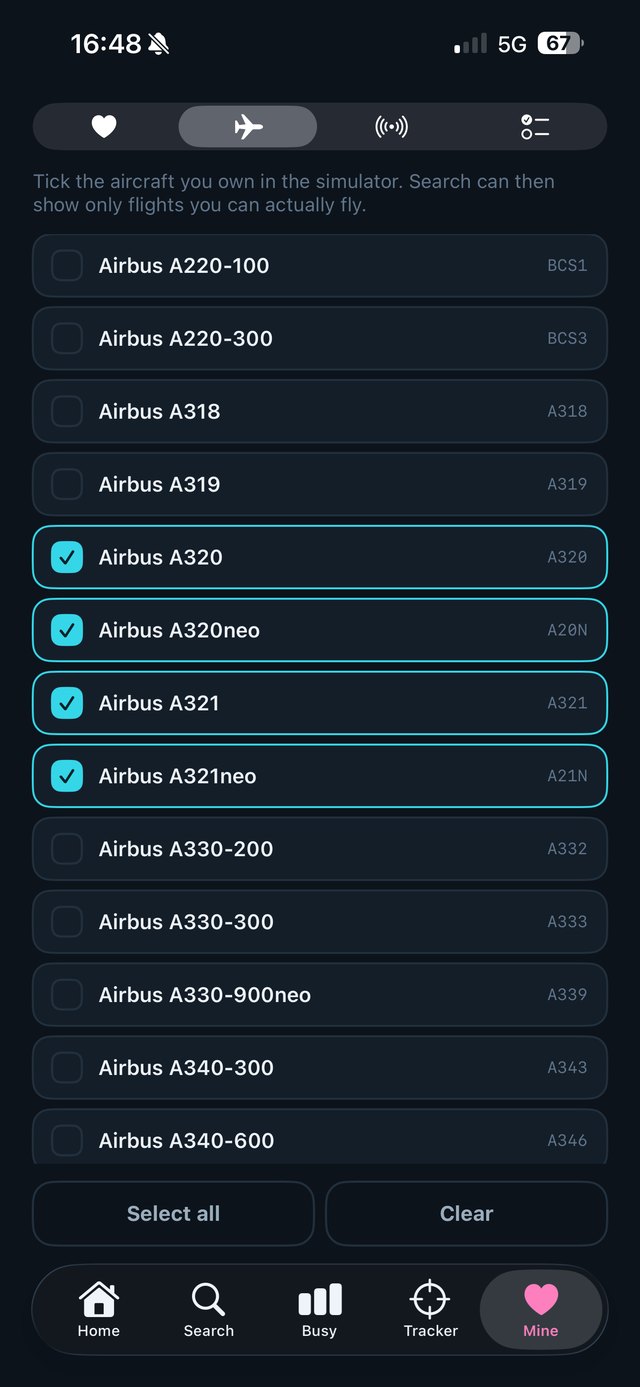
NextLeg finds real scheduled airline flights that fit the time you actually have available. You set a block time range, pick a departure and destination if you want one, choose an aircraft type, and get a list of flights that were genuinely operated. Each flight comes with its real callsign for VATSIM, current weather at both airports, which controllers are online, and a one-tap handover to SimBrief.
Frequently asked questions
Where does the flight data come from?
Airline schedules come from AeroDataBox and are refreshed regularly. Airport details come from OurAirports. Aircraft types are resolved from the individual airframe's registration using the OpenSky Network registry, which is more accurate than the type printed in a schedule.
The aircraft type differs from what I see elsewhere
Airlines swap aircraft daily. What NextLeg shows is the type that operated that flight number most often during the observation window — not a promise about a specific date. Where the registration was unavailable, the type falls back to the schedule label, which is less reliable.
Why does a flight I know exist not appear?
The catalogue is built from a limited observation window. Flights operating once or twice a week can fall outside it. Charter and seasonal services also come and go. Coverage currently focuses on departures from Poland, with European coverage in preparation.
No ATC is shown even though someone is online
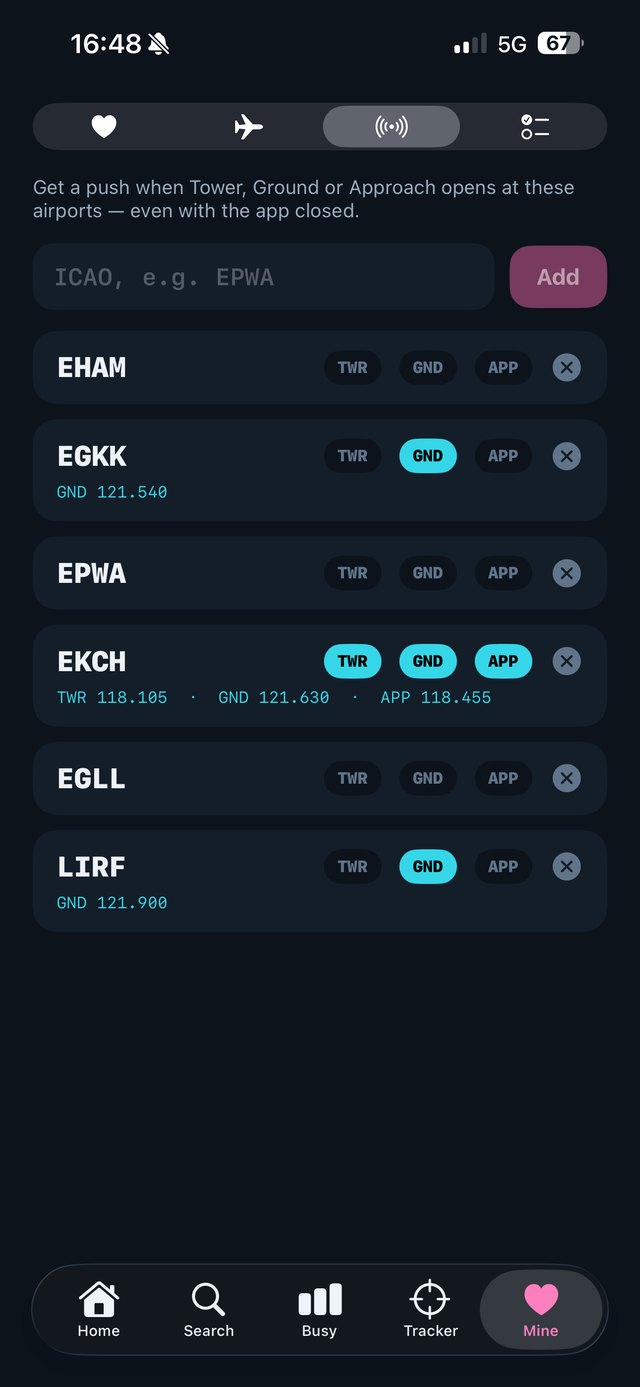
NextLeg reads the live VATSIM network state and applies the standard top-down rule, so an approach or area controller also covers the positions below them. Airport-level ATIS alone does not count as staffed. The network state is refreshed roughly every minute, so allow a moment after someone connects.
Weather or network data will not load
This usually means the connection to VATSIM or the weather service failed. Check your internet connection and try again. If it persists, write to us with your country and network provider — some networks block these services.
How do I manage or cancel a subscription?
Subscriptions are handled entirely by Apple. Open the Settings app on your device, tap your name, then Subscriptions. Refunds are also requested through Apple, at reportaproblem.apple.com.
Can I suggest a feature?
Yes, and it genuinely shapes what gets built next. Write to us — specific suggestions such as "I need a filter for X" are far more useful than general praise.
Credits
Flight schedules by AeroDataBox. Airport data by OurAirports. Aircraft registry by the OpenSky Network. Map outlines from Natural Earth. Live network and weather data by VATSIM. NextLeg is an independent project and is not affiliated with, endorsed by or sponsored by any of them, nor by Navigraph, SimBrief, Flightradar24, any airline or any aircraft manufacturer.
Privacy
NextLeg has no accounts, no advertising and no analytics. See the privacy policy for details.