NextLeg

Real flights for your simulator. Pick one and fly.

Download on the App Store

The app

One app for the whole flight

From “what should I fly tonight?” to touchdown — pick a real route, filter it to your time and your hangar, then follow it live on the VATSIM network with alerts that think ahead of you.

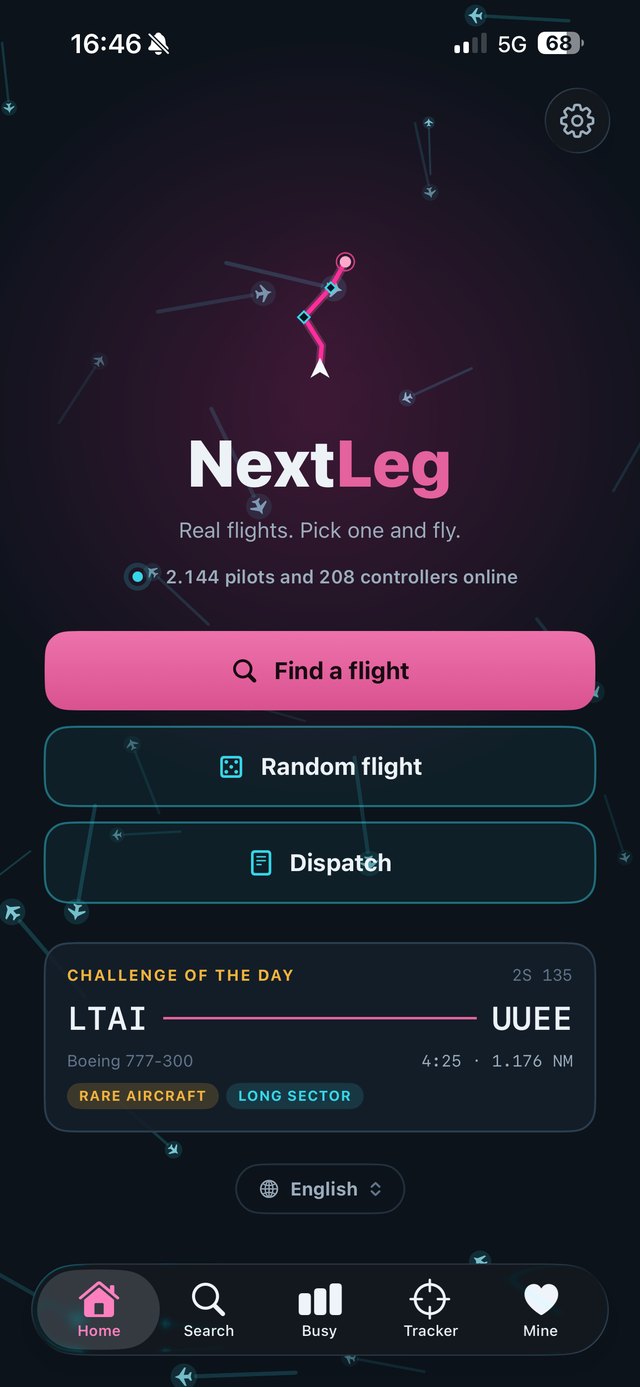
NextLeg home screen with Random flight button and Challenge of the day

Pick a flight

Real flights. Zero planning fatigue.

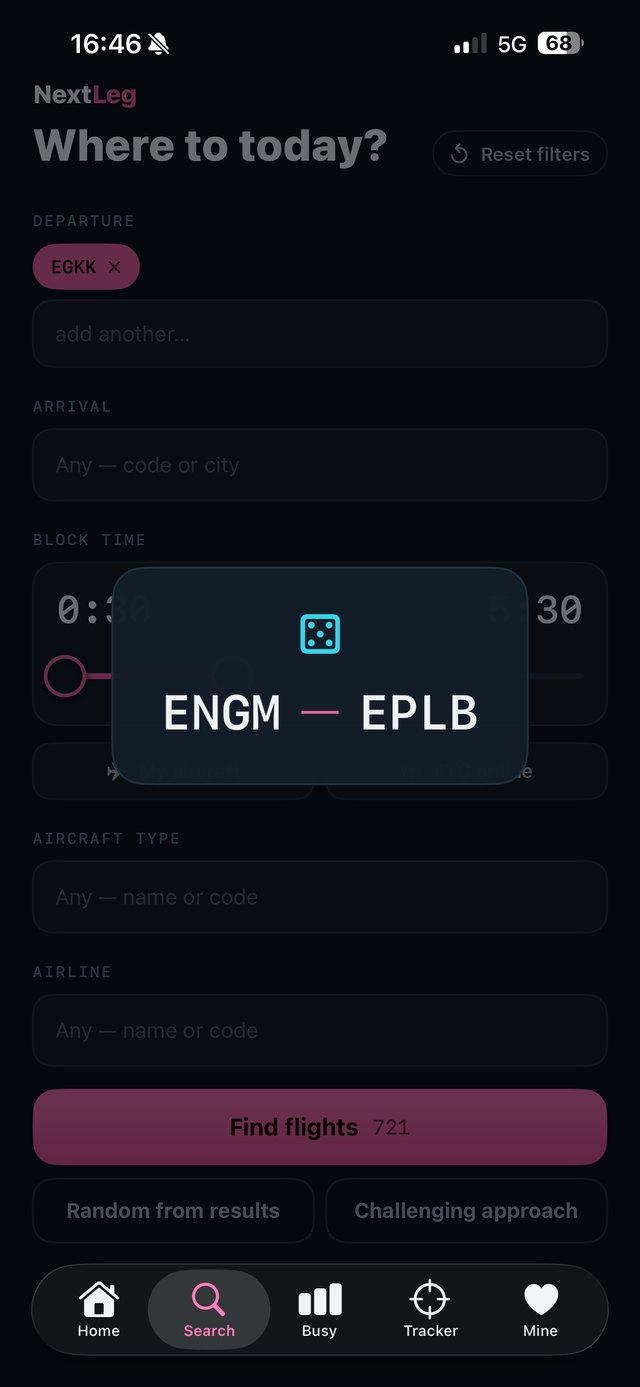
NextLeg carries a catalog of over 27,000 real airline routes. One tap on Random flight hands you a complete leg — real carrier, real aircraft, real block time. No spreadsheets, no forum digging.

Feeling brave? The Challenge of the day serves something spicier: short runways, long sectors, demanding approaches. And the live counter on top always shows how busy the network is right now.

Random flight Challenge of the day Live network counter
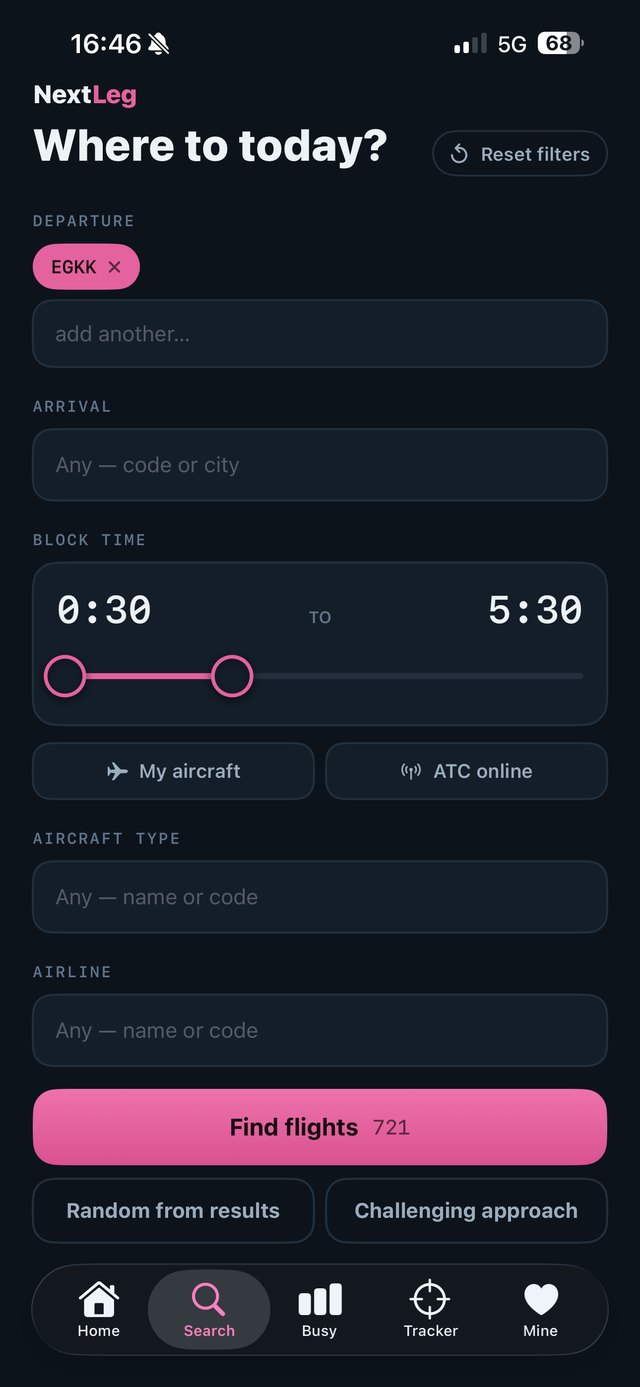
NextLeg search screen with block time slider and filters

Search

27,000+ routes, filtered your way

Tell the app how much time you actually have — even just half an hour — where you want to depart or land, what type you fly and whose livery you're in the mood for. The button always shows how many real flights match.

Flip on ATC online to see only flights where controllers are already waiting, or let the app pick: Random from results, or a Challenging approach when you want to earn the landing.

Block time ATC online Challenging approach
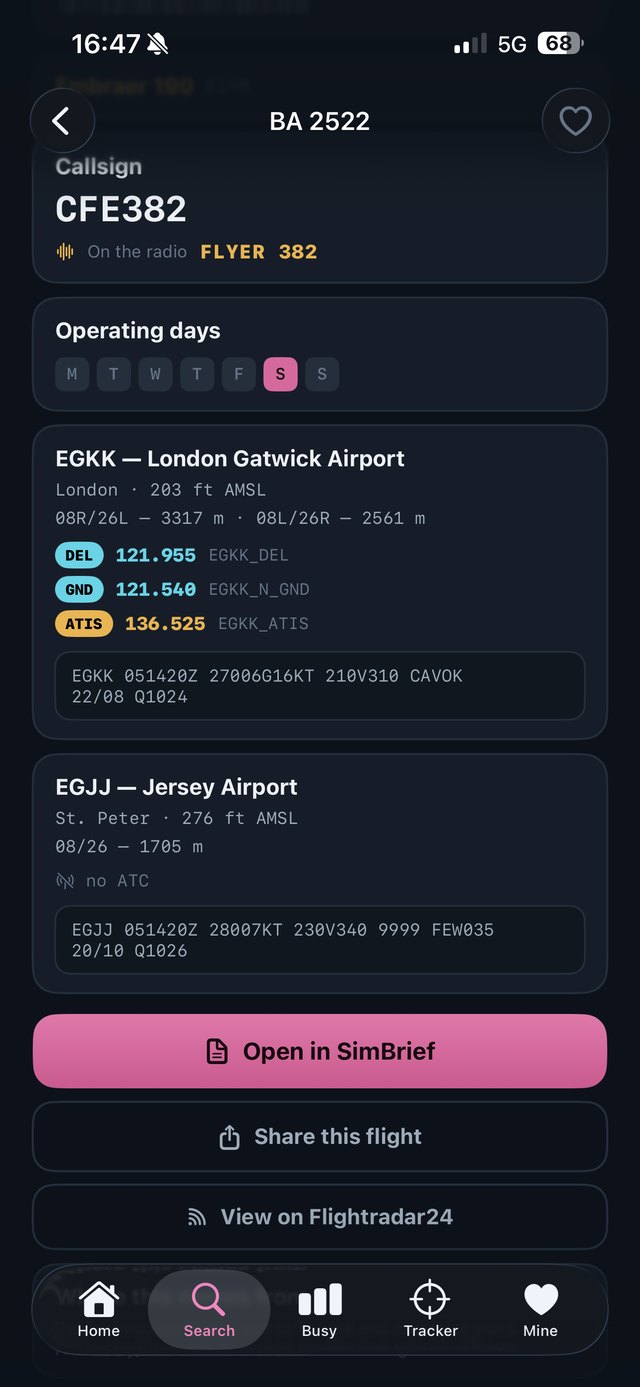
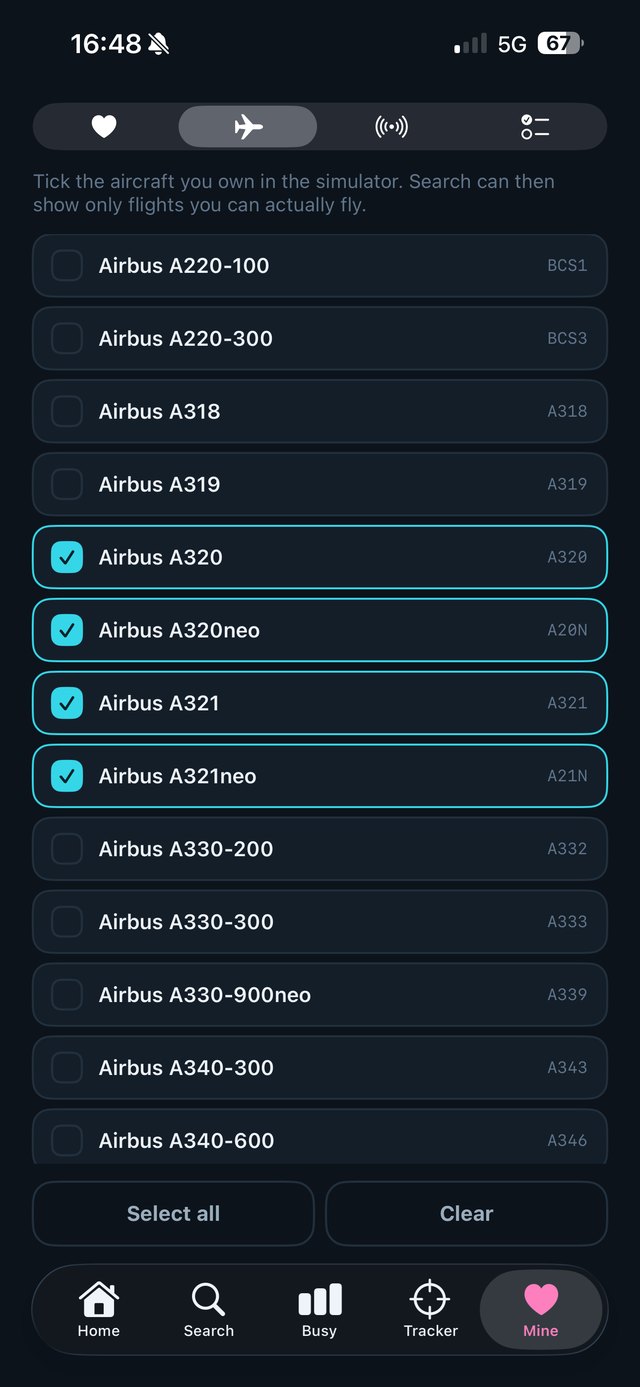
NextLeg hangar screen with a list of add-on aircraft to tick

Your hangar

Only flights you can actually fly

Tick the add-ons you own — Fenix, FlyByWire, iniBuilds, Aerosoft, FSLabs and the rest. Search folds your hangar into the results, so every proposal is a flight you can start right now, in an aircraft sitting in your virtual fleet.

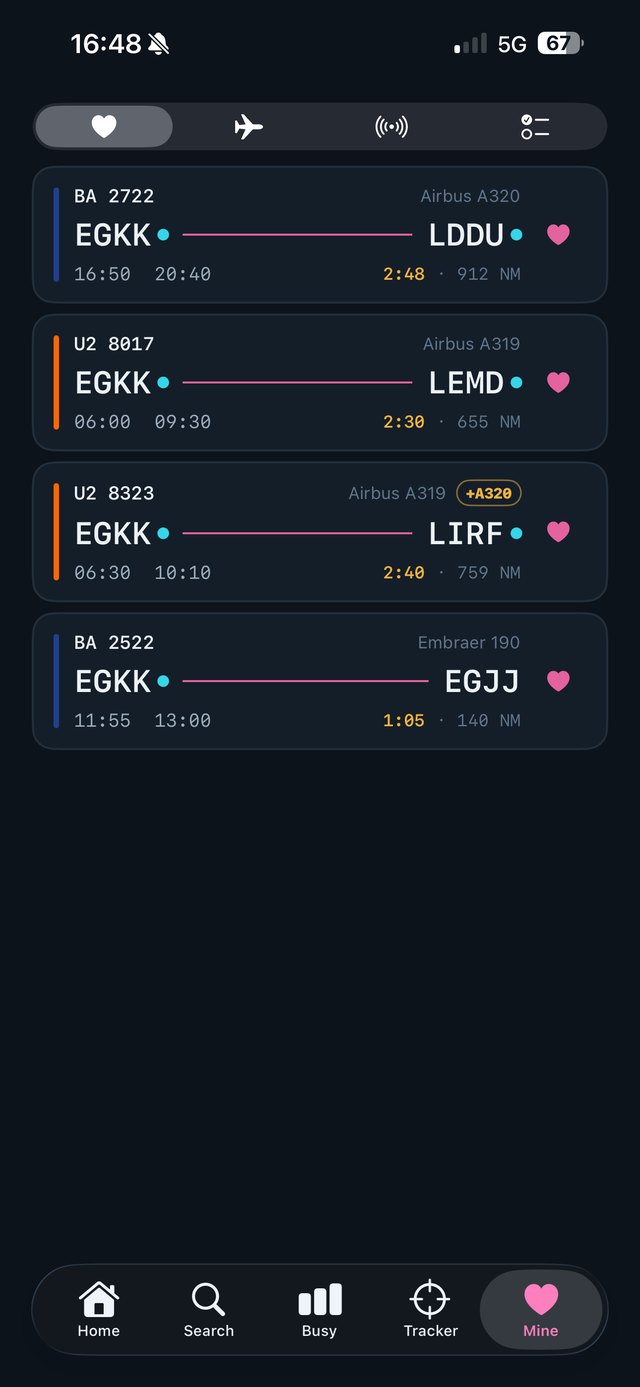
Favourites keep the routes you loved close, ready for a rematch.

My aircraft filter Favourites
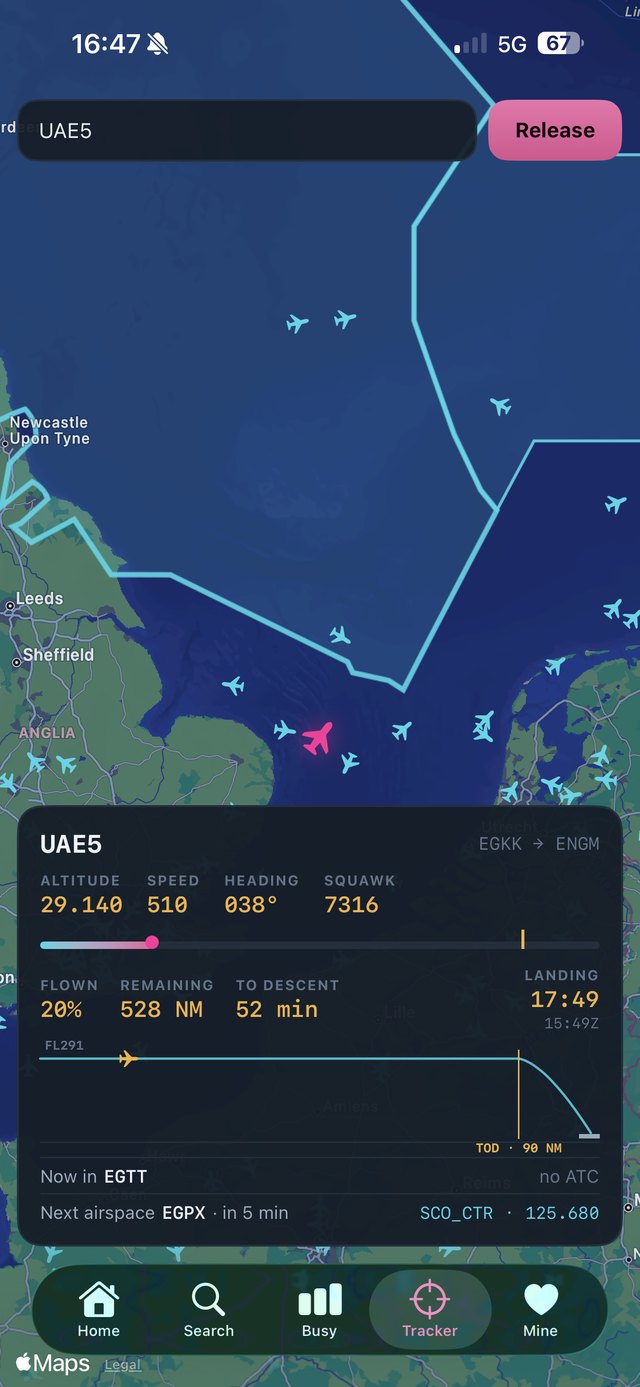
NextLeg live tracker with a flight over Poland and airspace panel

Live tracker

Follow the flight, know the airspace

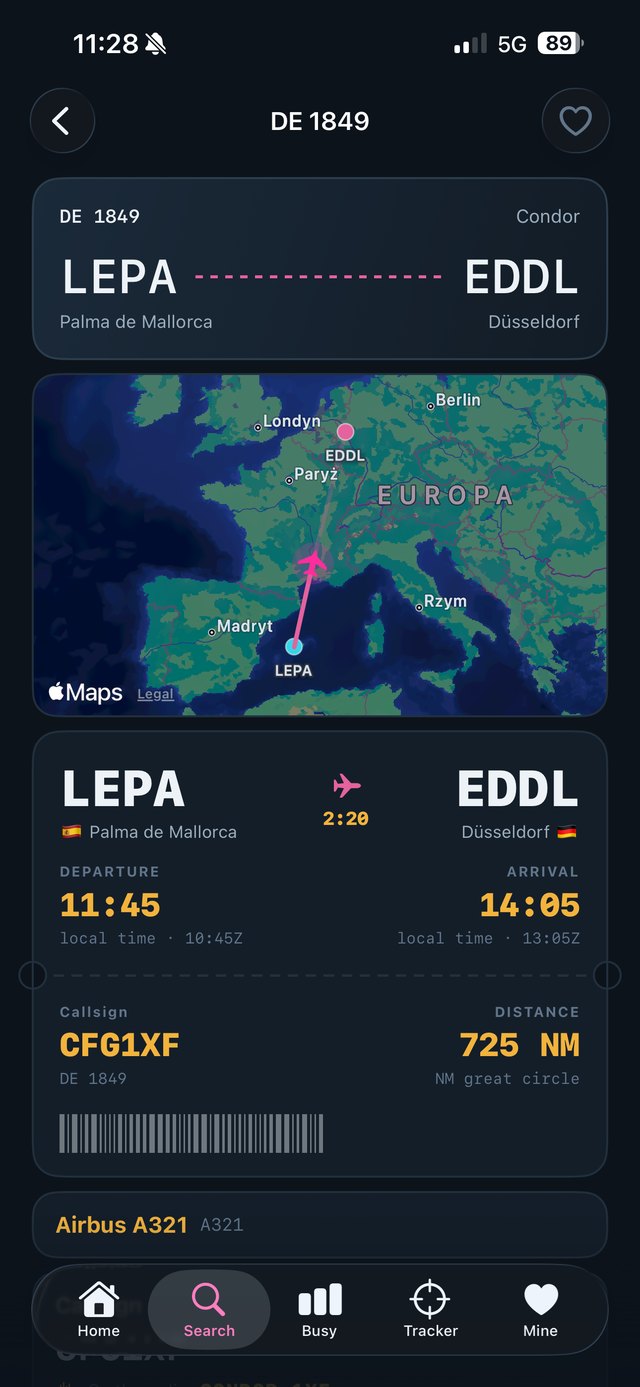
A live map of the VATSIM network with your flight pinned: altitude, speed, heading, squawk, progress bar, distance remaining and the estimated landing time, plus minutes to your top of descent.

NextLeg works out whose airspace you're in and who's next along your track — with the controller's callsign and frequency ready before you cross the boundary. Staffed sectors are drawn on the map the way real radar displays do it.

Airspace authority Callsign & frequency ETA & descent
NextLeg settings screen with alert thresholds and toggles

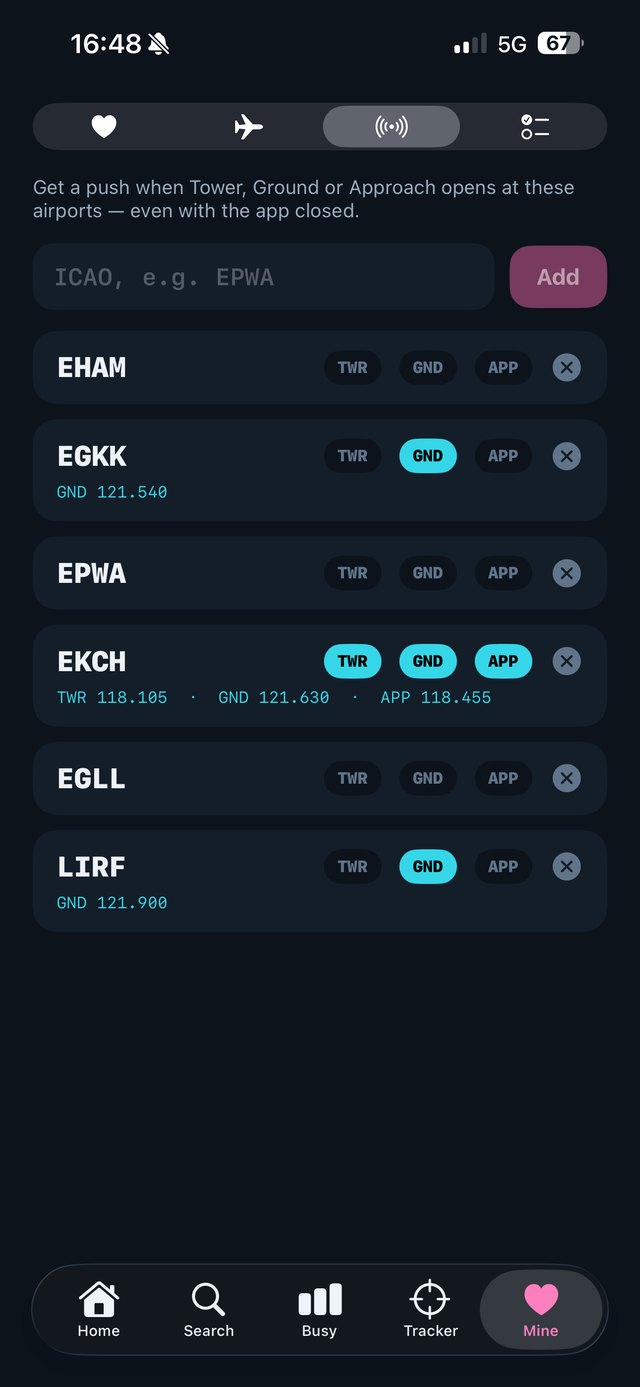
Push alerts

A tap on the shoulder at the right moment

Step away from the screen — NextLeg watches the flight for you. Pick your own minute thresholds for entering controlled airspace and for the top of descent, get a ping when a controller comes online right where you fly, or when the signal is lost.

Live Activity puts flight progress on the lock screen and in the Dynamic Island. The whole app speaks English and Polish.

Custom thresholds Live Activity EN / PL

Ready for your next leg?

Join the beta and help shape the app — or leave your e-mail and watch the progress from the jumpseat.